Document Control
Mail Box
Project correspondence belongs to the project, not to whoever happened to receive it.
Overview
Project email captured and logged
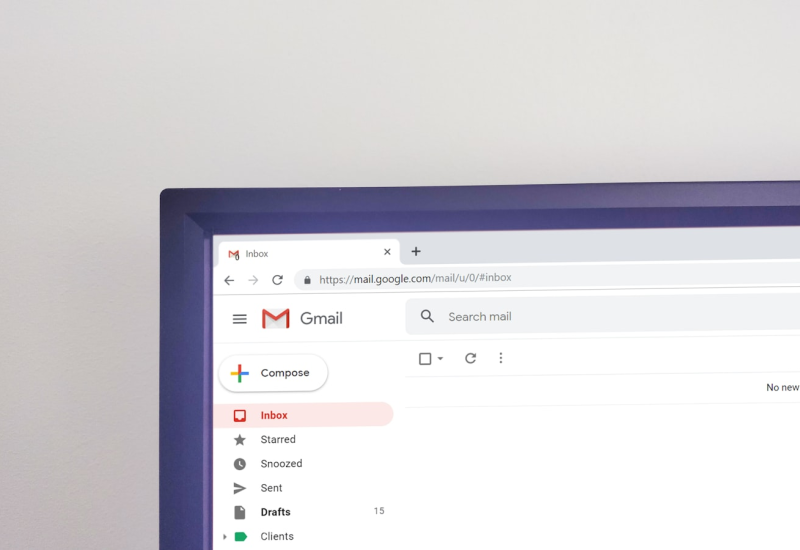
Mail Box captures inbound and outbound project email, logs it against the correct project reference, and makes it searchable alongside the formal registers.
The problem it solves is familiar to anyone who has run a project: critical correspondence sitting in one person’s inbox, invisible to the rest of the team, and gone entirely when that person moves to another project or leaves the company.
Email is where most project decisions are actually communicated, yet it is the least controlled part of the record. Bringing it into the same index as letters, drawings and submittals means one search covers the whole picture rather than the formal half of it.
- Auto-capture
- Project referencing
- Searchable archive
- No lost threads
How it works
How capture works
A project email address
Each project gets an address. Anything sent to or copied to it is captured and referenced automatically.
Threaded against the record
Replies are grouped, so a six-week exchange reads as one conversation rather than fourteen separate items.
Searchable with everything else
Mail sits in the same index as the formal registers, including attachments read by OCR.
Retained through handovers
A change of personnel no longer takes the project history with it.
Why it matters
On a live project
No orphaned correspondence
Email is on the project record from the moment it arrives, regardless of who it was addressed to.
Searchable with everything else
Mail sits in the same index as letters, drawings and submittals, so one search covers the whole picture.
Continuity through handovers
A change of personnel no longer takes the project history with it.
Use cases
Where it matters
Staff turnover
When a project manager moves on, the correspondence stays with the project.
Claims and disputes
Informal email agreements often decide a claim. If they are not in the record, they may as well not exist.
Onboarding
A new team member can read themselves into the project history in an afternoon.
Questions
Frequently asked about Mail Box
No. Only mail sent to or copied to the project address is captured. Personal inboxes are untouched.
Yes. Capture works at the project address level, so it is independent of which client each person uses.
Yes, existing project mailboxes can be imported during onboarding.
Access follows the same role-based permissions as the rest of the platform, and every access event is logged.
Automated Document Control
More in this part of the platform
See Mail Box on your project
Take the next step and empower your projects with Fortis Sync.