Fortis AI Charts
Fortis AI Insights
Learn how to navigate, view, and understand real-time charts and data from the relevant tables (correspondence, drawings, engineering, RFI, NCR, work inspections, material inspections,…
Watch tutorialTutorials
Short, practical walkthroughs of every register in the platform — recorded on real project data. Start with project setup, then follow the module your team uses most.
Video library
Pick a category to narrow the list. Each tutorial covers one workflow end to end.
Learn how to navigate, view, and understand real-time charts and data from the relevant tables (correspondence, drawings, engineering, RFI, NCR, work inspections, material inspections,…
Watch tutorialHow to set up the project parameters related to the contractual details, such as the project name, start and end date, days submittals are…
Watch tutorialHow to create, add, upload, and retrieve various contract document types in a centralized location in a fast and secure environment for ease of…
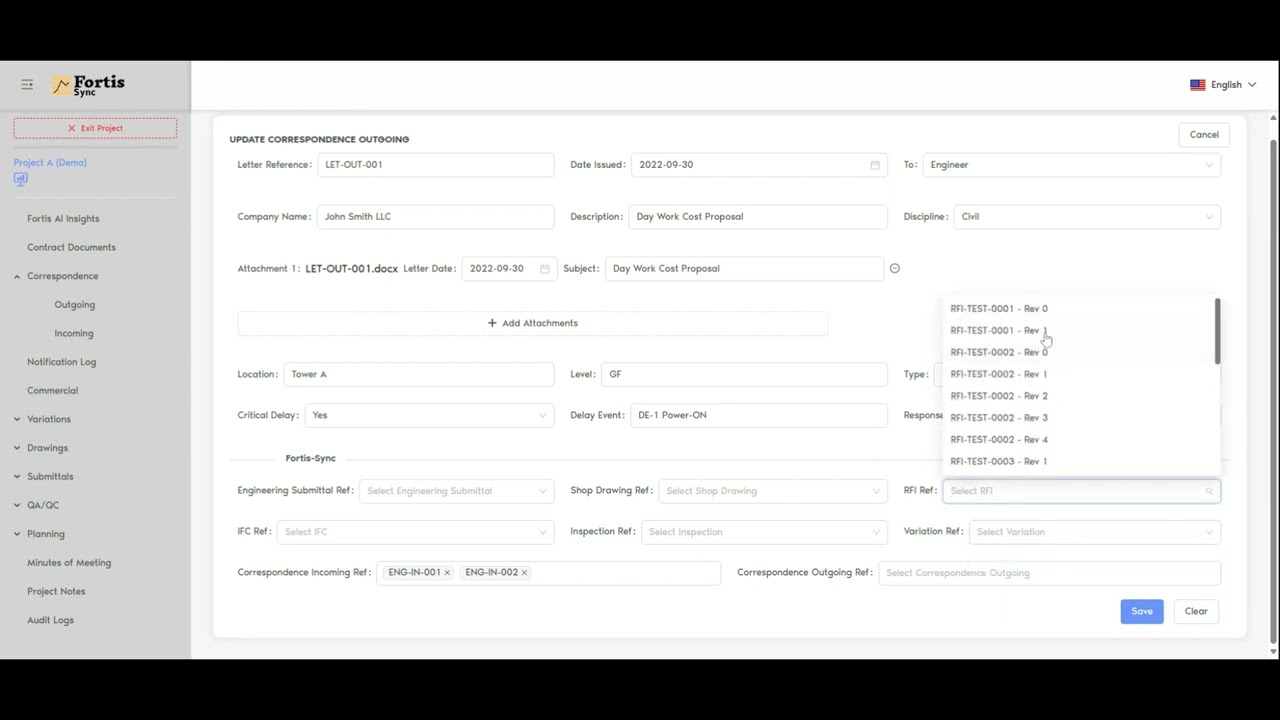
Watch tutorialLearn how to create, update, upload, view, email, and link correspondence (outgoing & incoming) by type, discipline, location, delay, and level. Also, learn how…
Watch tutorialLearn how to link correspondence (outgoing & incoming) letters together in one chain.
Watch tutorialLearn how to link correspondence (outgoing & incoming) documents together in one chain.
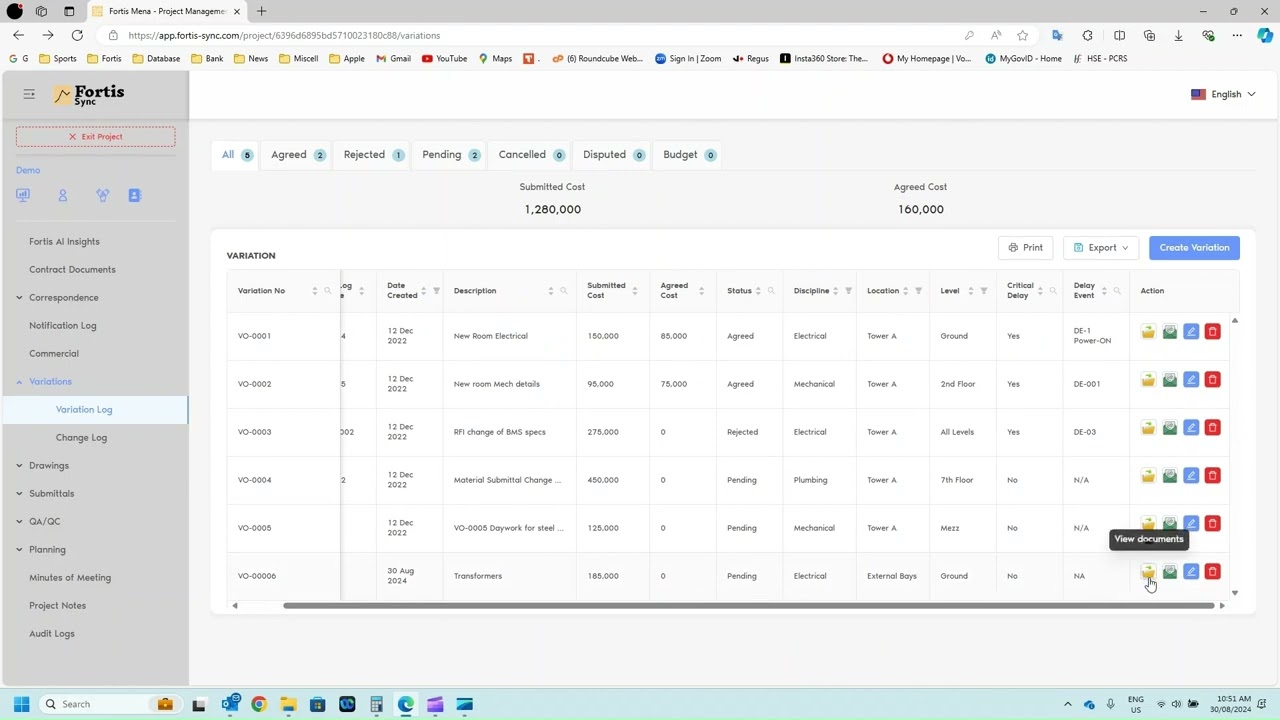
Watch tutorialHow to create variations, edit, upload, email, assign a cost, set the approval type, and understand the submitted and agreed costs.
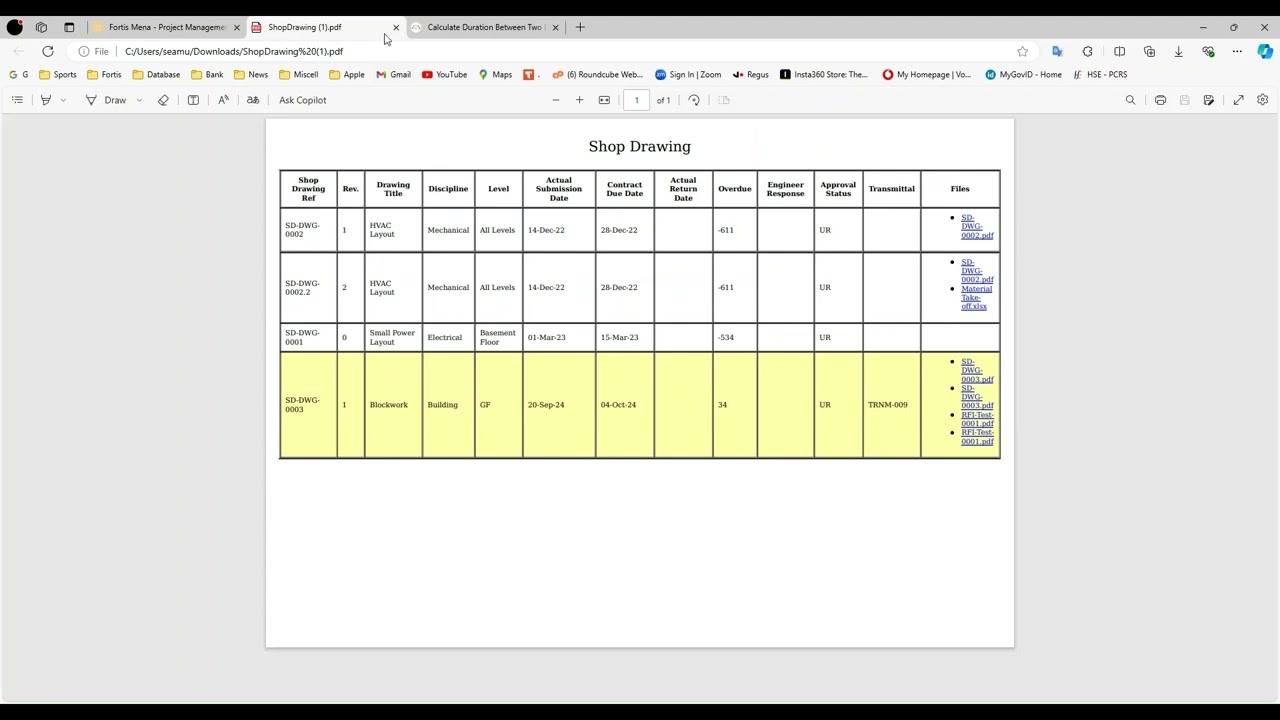
Watch tutorialLearn how to create, update, revise, and assign current drawing status by location, level, and overdue dates, along with assigning building discipline.
Watch tutorialLearn how to review & analyze the drawing project tables and charts to assess overdue dates and project performance.
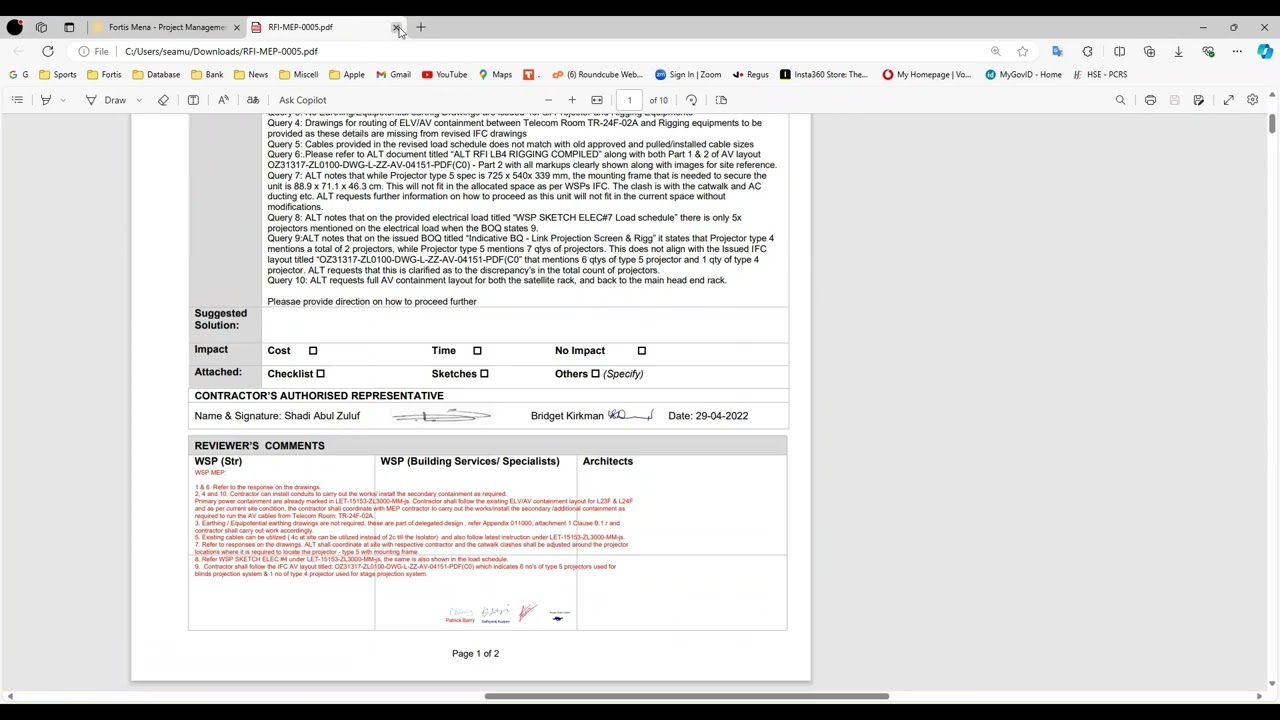
Watch tutorialLearn how to create submittals (RFI and Engineering) records, update, revise, email, export, and assign current status by location, level, and building discipline. Also,…
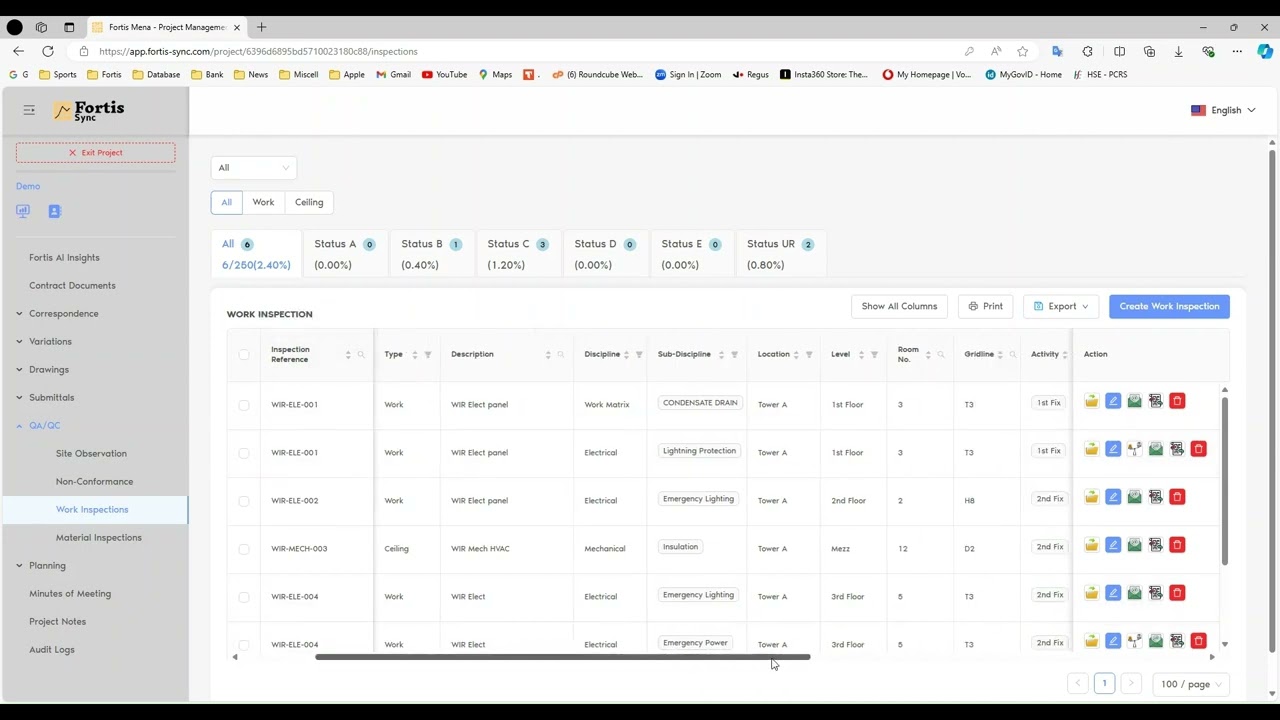
Watch tutorialLearn how to create QA-QC (SOR, NCR, work inspections, material inspections) records, update, revise, email, export, and assign current status by location, level, and…
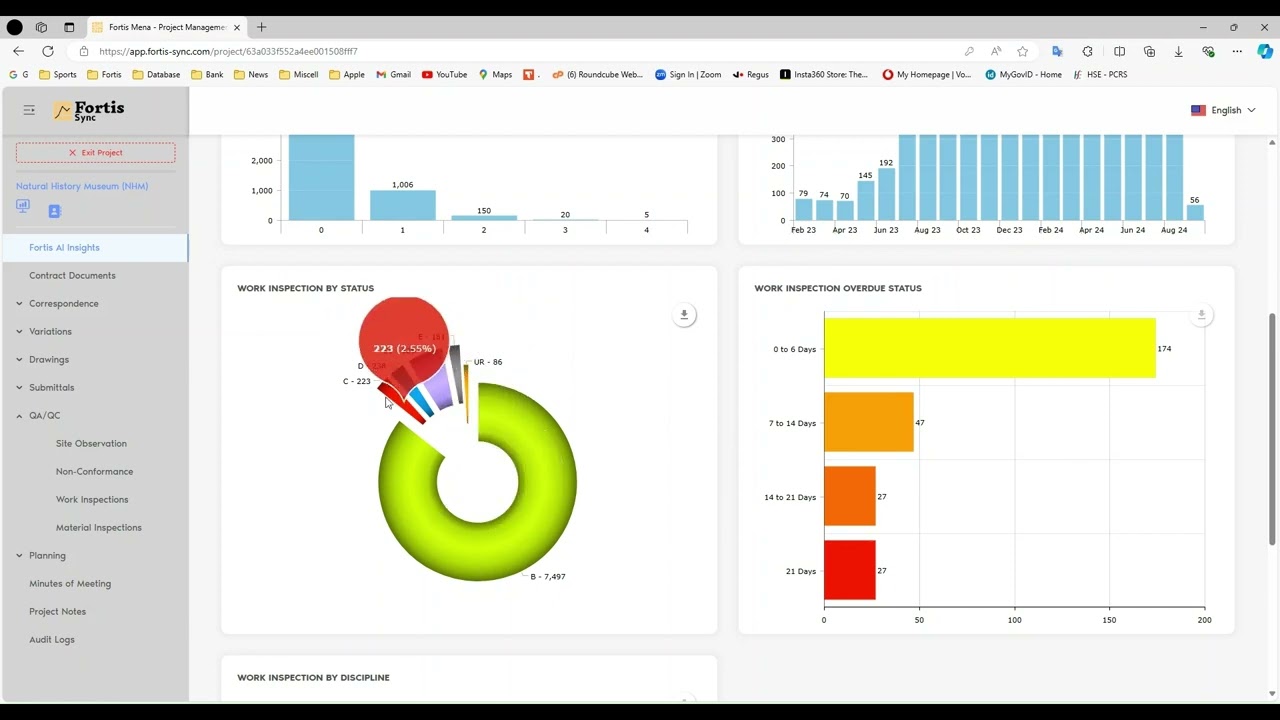
Watch tutorialLearn how to review and & analyze QA-QC project tables and charts to assess overdue dates, general stats and project performance.
Watch tutorialLearn how to create the project progress schematic by level, room number/name, and construction discipline (civils/building or MEP). Understand the telemetry screen and the…
Watch tutorialNo tutorials in that category yet.
Book a personalised demo and see how Fortis Sync can help you deliver your projects successfully.